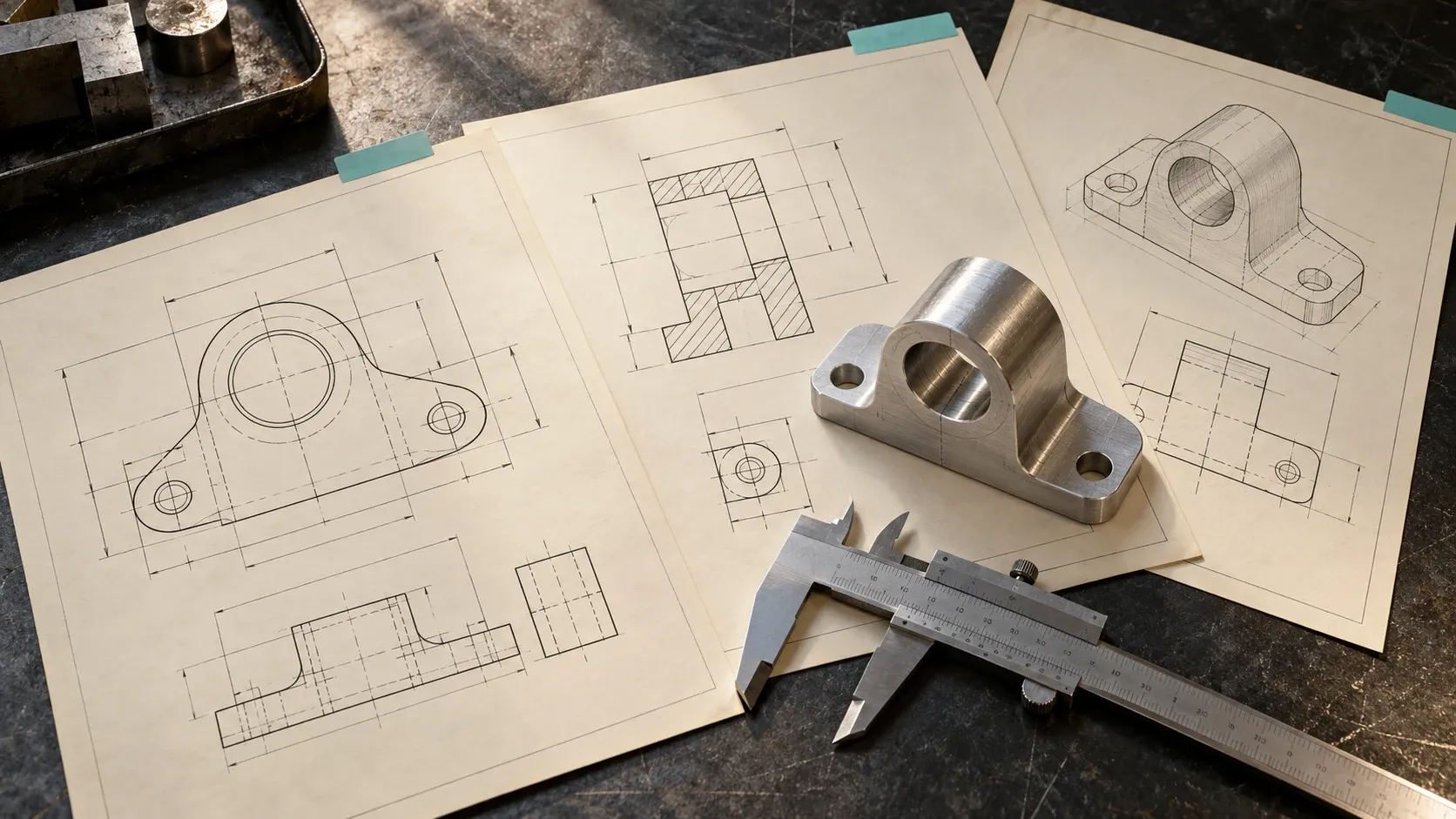
An engineering drawing archive is easier to assess for AI training when each document has a clear identity, readable technical content and a traceable relationship to its revision and, where available, its 3D model. DWG, DXF and PDF files can all be part of that assessment. The extension alone says little about the condition of the archive.
Start with a defined collection. Describe the drawing types, how they were created, what the annotations mean and which related records are available. Keep the first enquiry at that level; do not attach customer drawings or export a project vault to demonstrate what you have.
This guide helps engineering consultancies, manufacturers and machine shops prepare that description. It focuses on the drawing archive itself. The separate CAD data licensing guide covers the broader assessment and approval process.
Why engineering drawing context matters
A drawing may contain several views of a component, dimensions, tolerances, material notes and instructions. Understanding those elements can involve more than recognizing text. A technical interpretation may depend on the view, the drawing convention and the relationship between annotations.
Recent AI product development illustrates this problem. In a 2026 announcement, Backflip described a tool that reads the views and dimensions in a 2D engineering drawing and builds a parametric 3D model with an editable feature tree. Backflip presents it as software manufacturers can use to convert their own legacy drawing libraries.
That is evidence that drawing information has a technical use. It is not a purchase programme, and it does not mean every archive is suitable for licensing or that Backflip would license yours.
For a prospective supplier, the practical question is what a reviewer could reliably establish from the records. Can the drawing be read? Is the revision known? Does the associated model describe the same design state? Those answers help define a potential collection.
Separate source drawings, exports and scans
A vault can contain native drawings, exchanged files, published sheets and scanned paper records. Keep those categories visible in the inventory.
| Record type | Questions for an internal assessment |
|---|---|
| Authoring-system drawing | Which application and version created it, and what references does it need? |
| DWG or DXF exchange file | How was it produced, and what content or relationships survived the export? |
| Digitally generated PDF | Are annotations and text readable, and are all required sheets present? |
| Scanned PDF or image | What is the scan quality, and is there a checked text-recognition layer? |
| Marked-up drawing | Who created the markup, what does it mean, and is it incorporated in a later revision? |
| Superseded revision | How does it relate to the current or approved design state? |
Do not assume an exchange file retains every behavior of the source. For example, Autodesk’s Fusion drawing export documentation states that when a Fusion drawing is exported, some annotation objects such as feature control frames are simplified, dimensions are no longer associative, and the drawing no longer updates with the design. That is the documented behavior of one export path, not a statement about every DWG file or every CAD application.
Record the actual source and export process. An archive with several kinds of exports should describe the differences instead of grouping them under one quality label.
Count drawings, sheets and revisions separately
A drawing package may span multiple sheets. A PDF may contain the package, while separate exports represent individual sheets. The same package may exist in several revisions and storage locations.
Define the counting units before stating the size of the collection:
- Drawing identifiers or drawing packages.
- Sheets within each package.
- Revisions of each drawing.
- File copies and export formats.
- Unique components or assemblies represented.
Keep an internal record of the rules used to produce those counts. “PDF files” and “unique engineering drawings” are different measures. If the connection is not yet known, say so.
A useful first description might say that the collection contains multipart drawing packages with several export formats and that unique drawing counts remain under review. That is more informative than adding every stored file into one total.
Build a drawing-to-model linkage matrix
Matching a drawing to a 3D model can require more than a similar filename. Establish which identifiers, revisions and configurations your organization uses. Include unresolved links in the inventory rather than silently assigning a likely match.
Use this worksheet internally:
| Linkage field | What to establish |
|---|---|
| Drawing identifier | The controlled identifier and the system that assigns it |
| Sheet identity | Sheet number, package size and missing sheets |
| Drawing revision | Revision identifier, date and available approval information |
| Component or assembly | Which engineering object the drawing describes |
| Model reference | Related model identifier and whether the reference is confirmed |
| Model revision or configuration | Whether it matches the drawing’s design state |
| Relationship type | Part drawing, assembly drawing, manufacturing view or another type |
| Source and derivative | Which files are originals, exports, scans or later conversions |
| Link confidence | Confirmed, inferred, unresolved or missing |
| Known exceptions | Obsolete references, reused identifiers or incomplete packages |
The matrix records the strength of the evidence. It does not certify a design, its manufacturability or the right to share it.
Hypothetical example: a drawing and a model have the same part number, but the drawing predates a change to the hole pattern. Keep them linked as different design states if the records establish that relationship. Do not label them a matching pair simply because their part numbers agree.
The example is fictional and illustrates a documentation decision, not a DataNexx project or an available dataset.
Describe dimensions, tolerances and conventions
List the technical content the archive actually retains. Depending on the drawing family, that may include dimension values, units, tolerances, datum references, surface specifications, materials and general notes.
Distinguish three things:
- Information visibly present on the drawing.
- Information represented as structured objects or linked data.
- Information someone has interpreted or added later.
Those categories should not be treated as interchangeable. A dimension visible in a scan is not automatically a checked structured field. A reviewer may need to understand the view and associated notes to interpret it correctly.
Record the drawing conventions or standards where they are documented, along with language, unit conventions and historical changes. If different teams used different conventions, define separate groups. Do not force the whole archive into one interpretation merely to simplify a description.
Treat OCR and redaction as separate review tasks
For scanned drawings, text recognition can help with search and indexing. Adobe’s OCR documentation describes converting image text into selectable, searchable text.
That capability does not establish that every recognized dimension, symbol or note is correct. Record whether OCR was used, which documents were processed, and what checking has occurred. If the text layer and visible image disagree, preserve the distinction and route the issue for review.
Privacy and confidentiality review require their own decisions. Identifying details may appear in title blocks, revision tables, filenames, document properties, embedded content and free-text notes. Removing a company logo alone does not establish that the remainder is suitable for sharing.
Do not edit source records in place to prepare a speculative enquiry. Describe the archive first. Any later approved preparation should preserve a controlled original and document what changed in the review copy.
Record quality issues without hiding difficult records
An honest assessment includes limitations. Common categories to check are:
- Missing sheets, clipped views or unreadable scans.
- Unresolved external references or unavailable fonts.
- Conflicting revision labels.
- Drawing-to-model links that cannot be confirmed.
- Annotation conversions that need interpretation.
- Mixed languages, units or historical conventions.
State whether these issues affect a known subset or whether their extent is still being assessed. A reviewer can then distinguish a documented limitation from an unexplored one.
Avoid a single label such as “AI-ready” unless it has a defined, project-specific meaning and supporting evidence. Readability, linkage, rights review and suitability for an intended task are separate dimensions of readiness.
Agree a sample’s purpose before preparing one
If a project reaches a sample stage, establish what the sample is intended to answer. Possible questions include whether sheets can be parsed, whether symbols remain legible after export, or whether drawing-to-model relationships can be verified.
A few carefully selected records may answer one question while leaving others open. If the sample includes only clean, modern drawings, it cannot establish how an older scanned collection behaves. Document the selection rule and the exclusions.
Before any transfer, the appropriate people should approve the material, recipients and use. Clarify whether the proposed activity is limited evaluation or includes training. A sample is still a disclosure of content; calling it a sample does not settle permission. Our data security page describes how DataNexx handles material once a review is agreed.
No sample is needed in a first high-level enquiry.
What to include in a first drawing archive enquiry
Describe your industry and country, the broad drawing families, time coverage, formats and authoring applications. State whether native models are available and whether their links to drawings are confirmed. Add the main limitations and the role responsible for the internal assessment.
Keep the description concise. For example, a company could explain that it holds internally controlled manufacturing drawings, retains both digital originals and scans, and is assessing revision alignment. It can discuss that situation without identifying a customer or sending a proprietary sheet.
Rights, contracts and confidentiality still need review for the actual collection. The CAD licensing overview provides a starting worksheet. If the drawings also connect to flow simulations, keep that material in a separate CFD case inventory.
Describe your engineering drawing archive to DataNexx. Share a high-level overview of the records and their known limits. Leave drawings, CAD files and confidential project details out of the initial submission.
Frequently asked questions
Can scanned engineering drawings be considered for AI training?
They can be assessed, but scan quality, annotation readability, revision information and the intended task all matter. A scan should not be described as equivalent to a structured native drawing without checking what information it retains.
Does OCR make a drawing archive ready for AI use?
No. OCR can add searchable text, but recognized values and symbols may still need review. It also does not establish licensing authority, confidentiality clearance or suitability for a specific task.
Do engineering drawings need matching 3D CAD models?
That depends on the intended use. A task involving drawing-to-model reconstruction or comparison may require matched pairs. Other tasks may not. Describe the links that actually exist and leave uncertain matches marked as unresolved.
Should we redact drawings before making an enquiry?
Not for a first enquiry, because no drawings are needed. If a project later reaches a sample stage, confidentiality review becomes its own task: title blocks, revision tables, filenames and file properties can all carry identifying details.
Can we share drawings created for customers?
First establish what the relevant agreements permit and who can authorize the proposed use. Possessing a copy or having created the drawing does not by itself settle the right to license it for AI training.
Sources
Official and primary sources, checked on the date this guide was last updated.
Prepared by DataNexx with AI-assisted research and writing. Sources are linked throughout. This is general information, not legal advice.