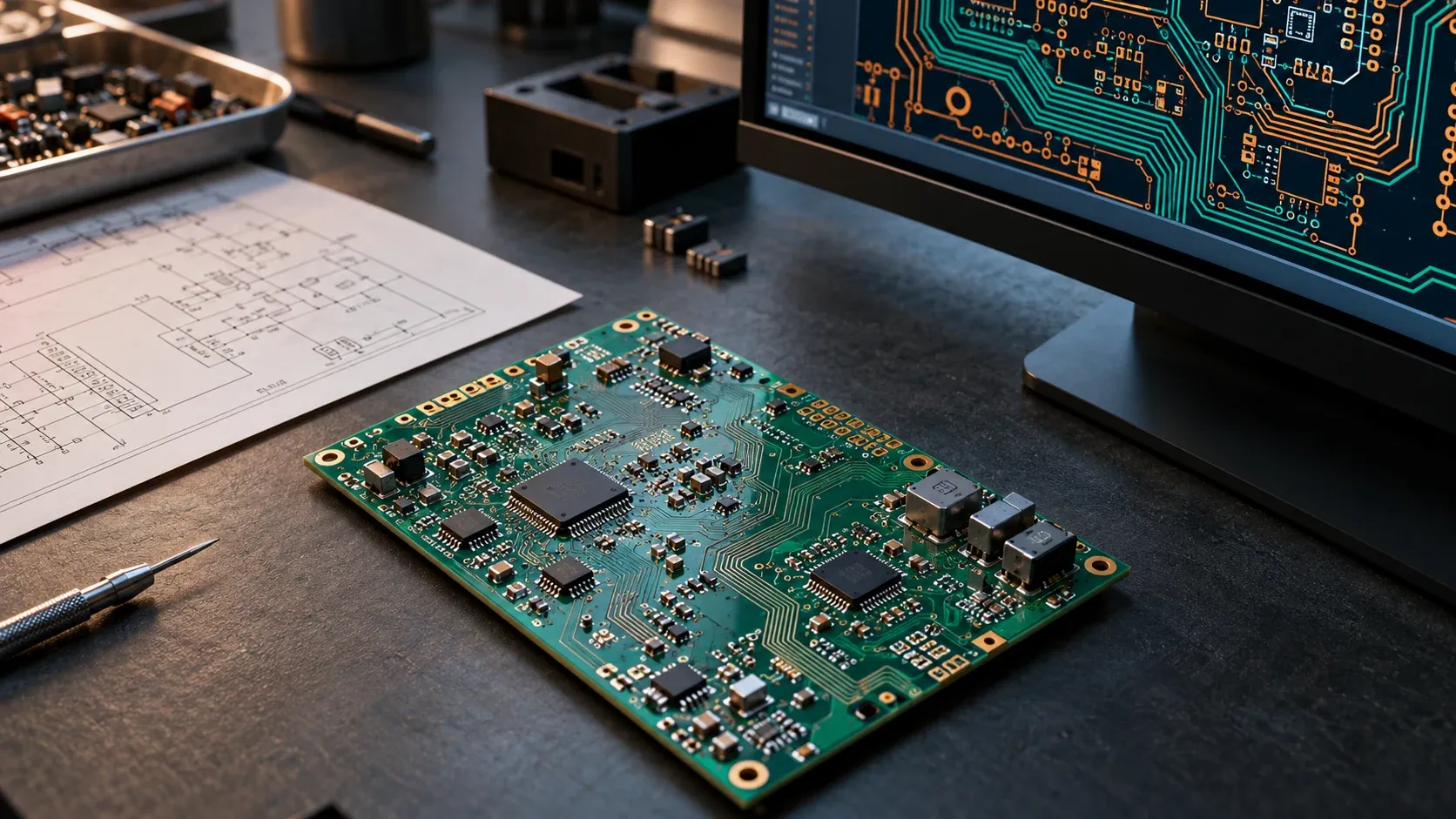
An electronics company considering data licensing should first establish what its PCB archive actually contains. A native project, a routed board, a schematic PDF, a set of Gerber files and a review screenshot describe different parts of the engineering work, and they are not interchangeable.
There is a specific recent sourcing signal for this niche. In a 2026 post, Erik Newsham of Grepped listed routed PCB boards in KiCad and Altium among the data in demand.
That makes PCB archives a relevant supplier topic. It does not establish that every design is eligible, that a particular country is accepted, or that DataNexx has a confirmed buyer for your collection. This guide is general information, not legal or engineering advice.
What counts as a PCB design archive?
For this guide, an archive is an identifiable collection of project records your company holds. It might include schematics, board layouts, project settings, design rules, revision history, component information, design checks and related build or test results.
Its usefulness depends on the proposed task. A collection of final layouts is different from a history showing how engineers revised a design under documented constraints.
Do not describe every export of the same design as an independent example. Record how many projects, board revisions, variants and files you hold, and explain how you counted them.
An internally coherent archive can still have unresolved ownership or permission issues. Technical completeness and licensing authority need separate review. The CAD data licensing guide covers the same authority questions for mechanical design archives.
Inventory native projects before output files
Start with the tools and file types your team actually used.
KiCad’s version 10.0 documentation lists the project file (.kicad_pro), schematic files (.kicad_sch) and board files (.kicad_pcb), with separate symbol and footprint libraries and an optional custom design-rules file (.kicad_dru). It notes that some important design information is stored in the project file, so a complete design needs it, while local settings files such as .kicad_prl do not need to be distributed.
Altium’s project-document documentation groups a project into source documents, settings, libraries, documentation and generated outputs, with project settings stored in the project file (for example .PrjPcb). It also warns that this project tree is a logical view, not a description of where files are physically stored. Altium’s viewer documentation identifies schematic documents as .SchDoc and PCB documents as .PcbDoc.
These references explain file roles in specific tool versions. They are not a universal buyer specification.
| Record family | What it can help describe | Question for the owner |
|---|---|---|
| Native schematic | Circuit connectivity and component context | Does it match the board revision being described? |
| Native PCB layout | Placement, routing and board design | Is it an unrouted draft, a partial layout or a released design? |
| Project settings and rules | How the project was configured and constrained | Are the project file and rule files preserved? |
| Libraries and dependencies | Symbols, footprints and referenced models | What is needed, available and permitted to share? |
| Manufacturing outputs | One production handoff, such as Gerber or drill files | Which approved design state generated them? |
| Review and test records | Decisions, checks and observed results | Can they be linked to the same design state? |
Treat this as an inventory aid. The package a project needs would depend on an agreed use and scope.
Routed does not mean complete or validated
A file containing routed connections does not, by itself, show that a product was manufactured or works.
Describe the design’s actual state: an intermediate routing experiment, an engineering release, a prototype revision, or a design with recorded build and test results. Use only the categories your team can support with records.
If a design-rule check report exists, record the software version, the rule set in force and the revision it checked. A passed check shows that the layout met those configured rules. It is not evidence of product function, safety or regulatory approval.
If no test record exists, say so. Do not turn an engineer’s recollection into a documented outcome.
Link the schematic and layout to the same revision
Projects accumulate copies. A folder may contain a final layout alongside an earlier schematic, a BOM from another variant and a screenshot from a later review.
Ask an engineer who knows the archive how authoritative versions were identified. A clear filename helps, but it may not settle the relationship.
Record known links among the project, schematic sheets, layout, BOM and release documentation. Where matching is uncertain, keep that uncertainty in the description. The engineering drawings guide uses the same approach for drawing-to-model pairs.
Variants deserve attention too. Several boards may share a reference design while differing in components or assembly options. They can be legitimate variants without being independent design problems, and a technical reviewer will need to understand those relationships.
Hypothetical example: a project folder holds a released board at revision 3, a schematic last saved before a connector change, and fabrication outputs generated from revision 2. Describe three related design states with an unresolved schematic link, rather than one complete, matched revision 3 project.
Preserve history without inventing design rationale
Revision history may explain an engineering decision when it includes a recorded reason, review comment or change request. A file timestamp alone does not explain why a trace moved or a component changed.
Separate contemporaneous notes from later interpretations.
A design company might have archived milestones rather than a detailed version history. That is still worth describing honestly. Do not reconstruct a polished sequence of decisions and present it as the original project record.
If a later task would ask a model to make a design change, the starting state and the information permitted at that point must be kept apart from the final answer. The AI evaluation data overview explains why that boundary matters for tasks that are graded automatically.
Identify dependencies and access limits
A project may depend on shared libraries, managed components, linked mechanical models or tool versions that are no longer installed.
Document what is needed to interpret it and which dependencies have not been checked. Opening a project on its original workstation is different from confirming that an authorized recipient could interpret an agreed package.
This does not mean exporting every shared library or granting account access. Library assets and downloaded models may have their own terms, and a hosted workspace can contain material outside the proposed scope.
Keep an approved technical package distinct from credentials, live connections and the rest of the engineering environment.
Worksheet: describe the archive before sharing it
Prepare an internal summary with fields like these.
| Inventory field | What to document |
|---|---|
| Tool coverage | KiCad, Altium or other tools, and known versions |
| Project scale | Approximate projects, board revisions and variants, counted separately |
| History | Date range, archive method and missing periods |
| Design state | Draft, partly routed, released, prototyped or another supported status |
| Relationships | Schematic, layout, BOM and output revision links |
| Design context | Recorded requirements, constraints, reviews and changes |
| Outcomes | Available check, build or test evidence, and its limits |
| Dependencies | Referenced assets, managed services and unresolved requirements |
| Authority | Company-owned work, client work and unclear rights |
| Exclusions | Restricted projects and material outside the proposed scope |
Do not put customer names, sensitive product specifications or private file paths into an initial external description.
“About 200 projects, with revision matching not yet assessed” is a hypothetical example of an appropriately qualified statement. It is not a suggested minimum or a claim about available inventory.
Check who controls the right to license each part
An engineering company can possess a complete project without controlling every right needed for a new use. Holding the files, or paying for the design software, is not licensing authority.
Client-commissioned work, employee and contractor contributions, third-party reference designs, libraries and vendor-supplied assets may each carry different conditions. A publicly downloadable example is not automatically available for unrestricted sublicensing. Replacing client names in title blocks does not make a design anonymous or remove those conditions.
Start by identifying the responsible decision-maker and the agreements that need review. Flag confidential or restricted technical projects. Do not assume an aerospace, defence-related or medical-device design can enter a general data-licensing process because its files open normally. The data licensing principles describe how DataNexx approaches scope and rights.
For international collections, country and project restrictions need separate assessment. No geographic eligibility is established by this article or by the cited sourcing post.
What should an initial supplier enquiry include?
Describe the industry, country, tool families, approximate years of history and the kinds of connected project records available. Explain whether the company owns the designs or needs further permission review.
Distinguish what is verified from what is unknown. An archive with native layout files and uncertain schematic matching should be described that way.
There is no need to send projects, manufacturing packages, component specifications or access credentials at the first stage. If boards are part of a wider job history with quotes, orders and inspection, the manufacturing quote-to-invoice guide explains how to describe those links. For workflows across the wider company, see the connected company data guide.
Discuss your PCB archive with DataNexx
Request a supplier assessment with a high-level description of the archive, the design tools involved and the scope your company may be authorized to discuss.
Keep private technical files and customer information out of the first enquiry. Any later review should have an agreed scope and appropriate authorization.
Submitting a description does not guarantee that a buyer will accept the collection, offer payment or complete a licence.
Frequently asked questions
Are Gerber files enough to describe a PCB design archive?
No. Gerber and drill files describe one manufacturing handoff. A native project also holds the schematic, layout, settings and rules. Describe which of these you have for each design and how they relate.
Does a passed design-rule check prove the board works?
No. A design-rule check shows that the layout met the rules configured for that check. It does not establish product function, safety or regulatory approval. Record the rule set, software version and revision it checked, and any separate build or test evidence.
Are board variants separate examples?
Not automatically. Variants that share a reference design may be legitimate distinct boards without being independent design problems. Record how variants relate so a reviewer can count them correctly.
Do we need to convert Altium projects to KiCad, or the reverse?
No. Describe the tools and versions you actually used. Whether any conversion is useful depends on a specific project, and conversion can lose or change information, so it should not be done before scope is agreed.
Can we include client-commissioned PCB designs?
Only after checking the relevant agreements and identifying who can authorize the proposed use. Holding the files or the design software licence is not licensing authority, and replacing client names does not remove client rights.
Sources
Official and primary sources, checked on the date this guide was last updated.
Prepared by DataNexx with AI-assisted research and writing. Sources are linked throughout. This is general information, not legal advice.