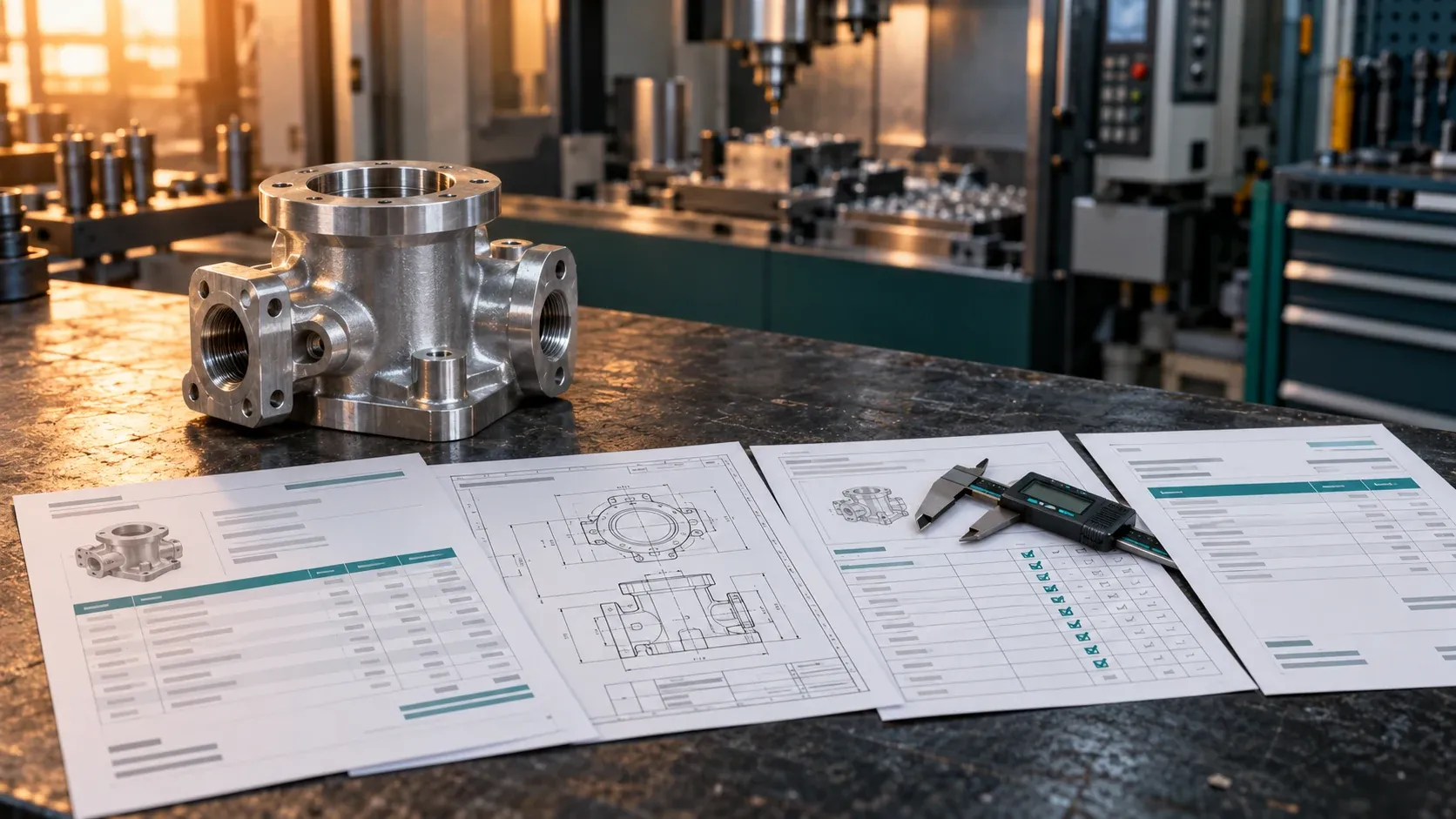
A manufacturer may hold records of the same job in its sales system, engineering folders, ERP, quality software and accounting package. Together, they can describe how the company turned a request into a delivered product.
For a company exploring AI data licensing, that connected history is worth assessing. A folder of drawings explains a design. A connected job archive may also explain what the customer asked for, which revision was approved, what was made, how it was checked and what happened afterwards.
The starting point is an internal inventory, not an export of customer projects. This guide is general information, not legal or engineering advice.
Why focus on a complete job history?
Recent public sourcing activity gives this angle a specific basis. In a 2026 post, Erik Newsham of Grepped asked for company systems that link up, so that a job can be followed “from lead to invoice, or from design to inspection”, with outcomes such as job costs and QA scores on record. The same post asked for native engineering CAD tied, ideally, to quotes, BOMs and inspection records.
Polyshares’ Ryan Lock asked for CAD and engineering collections from manufacturers and other engineering sectors, and in a follow-up reply stressed the quality and complexity of files and their adjoining documents. The broker Korra described manufacturing and industrial records as in demand while warning that demand changes within weeks.
These are dated statements by individual intermediaries. They are not proof that any particular manufacturer has an accepted dataset, and they are not orders placed with DataNexx. They do suggest a practical supplier question: can your records reconstruct a real job without guessing how its documents relate?
If your main asset is the design files themselves, start with the CAD data licensing guide. This guide is about the handoffs around those files. Electronics manufacturers can describe their board design records with the PCB design data guide.
Define the job before counting files
A single customer purchase order might contain several line items, production batches or deliveries. Conversely, several purchase orders might belong to one long-running engineering project.
Choose a unit your team can explain. It could be a configured product order, a custom-machined part at a particular revision, or a work order with an identifiable inspection record.
Write down which records belong to that unit and why. Do not assume a file carrying a customer’s name relates to every job for that customer.
This definition affects your counts. One thousand documents are not necessarily one thousand independent examples of work. Report project, order, batch and file counts separately.
Map the commercial and technical stages
The table below is an illustrative inventory. It does not prescribe what every buyer requires or imply that these records exist in your company.
| Stage | Candidate records | Relationship to verify |
|---|---|---|
| Enquiry | Requested specification and clarifications | Which requirements led to the quote? |
| Quotation | Scope, assumptions, pricing version and approval | Which version was accepted? |
| Engineering | Drawings, models, revision notes and BOM | Which configuration was authorized? |
| Planning | Routing, material allocation and work orders | Which order or configuration did the plan serve? |
| Production | Job records, process observations and changes | What was actually made? |
| Inspection | Measurements, specification and disposition | Which item, batch and revision were checked? |
| Delivery | Shipment or acceptance record | What was delivered, and under which conditions? |
| Invoicing | Invoice, adjustments and payment status | What was billed, credited or paid? |
Some manufacturers will have reliable engineering and quality links but weak commercial links. Others may have a complete order-to-cash history without detailed production observations.
Describe that boundary. An archive does not become a complete manufacturing workflow merely because its contents cover several departments. The manufacturing data overview and the quality control data overview describe the individual record families in more detail.
Check revisions at the handoffs
Revision mismatches are a common obstacle to interpreting historical work.
A quotation may reference an early drawing. Production may have used a later configuration. An inspection report might state a drawing number but omit the revision.
Ask the engineering and quality teams how these situations were recorded, and preserve the uncertainty when the historical state cannot be recovered. The engineering drawings guide covers drawing-to-model links and revision tables in more depth.
Useful internal questions include:
- Is a BOM tied to a particular product configuration, or only to a general product code?
- Can a changed requirement be linked to its approval?
- Are rework and replacement orders distinguishable from the original production order?
- Do final documents overwrite earlier versions?
- Can the team identify which inspection limits applied at the time?
Hypothetical example: a quote cites drawing revision B, the work order was released against revision C, and the inspection report gives only the drawing number. Record the quote and work order as linked to different revisions, and the inspection link as unresolved. Do not update the quote to revision C so that the job looks consistent.
Retrospectively replacing older requirements with the latest specification changes the task the archive actually describes.
Separate different meanings of a successful outcome
An accepted quote shows a commercial decision. A paid invoice shows a financial event. A passed inspection shows a result against specified checks. These are not interchangeable labels for a successful product.
A job marked complete may still have an unresolved complaint or a later return. A rejected batch might have a documented rework outcome. An internal test result might apply to a prototype rather than the delivered configuration.
Record what the available evidence actually establishes. If the intended use involves checking a model’s answer, someone will need to know which evidence can support that check.
This is also why unusual or unsuccessful jobs should not disappear without explanation. Removing them may exclude the very situations that make the archive distinctive.
Include time and context
Historical workflows change. The company may have replaced its ERP, reorganized product codes or moved quality records into a new system.
Describe those periods separately if their coverage differs. A current dashboard should not be assumed to contain the full history of earlier systems.
For potential evaluation tasks, distinguish information available at the beginning from facts learned later. A later corrective-action conclusion should not quietly appear among the inputs to an earlier diagnostic task. The industrial AI data overview describes how industrial records are used for training and evaluation.
Keep the first inventory modest: identify the relevant timestamps and known limitations. Designing a finished benchmark is a separate technical project.
Worksheet: assess one manufacturing workflow
Use one well-understood job family as an internal test of your description. Do not send the job’s contents to an external party.
| Question | What to document internally |
|---|---|
| What is one case? | Order, project, batch or another defined unit |
| What period is covered? | Approximate dates and known system migrations |
| Which systems contribute? | Commercial, engineering, planning, quality and financial sources |
| How are records linked? | Stored references, revision relationships and unresolved matches |
| Which outcomes exist? | Measured, approved, delivered, returned, paid or unresolved |
| How was scale estimated? | Method, with separate complete-case and partial-case counts |
| What is outside scope? | Customer-owned designs, restricted programs or uncertain rights |
| Who can explain it? | Authorized operations, engineering and quality contacts |
| Who can approve a licensing discussion? | The appropriate owner or authorized representative |
The first useful result may be that only one business unit or historical period is suitable for further assessment. That is a clearer proposition than offering the entire company archive without a boundary.
Review authority before preparing a package
Manufacturers often hold material supplied by customers, engineering partners, component vendors and contractors. The ability to open a drawing or export an ERP report does not establish authority to license it.
Review the proposed records and the proposed use, rather than relying on a general description such as “our company data.” Flag customer design rights, supplier material, personal information in emails and HR-linked records, confidentiality obligations and restricted technical work for appropriate review. A non-disclosure agreement or an internal approval does not by itself resolve all of these.
Aerospace, defence-related and medical-device projects should not be assumed eligible because a sourcing post mentions the industry. Export controls, country-specific rules and project agreements still need assessment.
This article does not determine legal clearance, sector eligibility or the terms a buyer would accept. For workflows that extend beyond manufacturing into support, sales and finance systems, the connected company data guide applies the same mapping across the whole company.
Should a manufacturer prepare raw files before making an enquiry?
No. Begin with a description. Explain the type of manufacturing, approximate years of history, the systems involved and the relationships your team believes it can verify.
Distinguish confirmed facts from estimates. “Inspection reports include a job reference, but revision matching has not been checked” is useful. It is more informative than calling an archive fully connected on the strength of a few familiar examples.
Agree a potential purpose and scope before undertaking substantial extraction or preparation. Licensing an existing job archive is also different from commissioning engineers to create new tasks or capture new data; the two need separate discussions.
Discuss a manufacturing archive with DataNexx
Request a supplier assessment with a high-level description of your manufacturing operation and the job history your records could explain.
Include the record categories, country, approximate date range, likely links and open permission questions. Do not upload drawings, customer orders, invoices, employee details or other confidential records in the first enquiry.
DataNexx can assess the description. An enquiry does not guarantee demand, eligibility, payment or a completed licence.
Frequently asked questions
What is manufacturing workflow data?
In this guide it means the connected records of a job across commercial, engineering, production, quality and financial systems: what was requested and quoted, which revision was authorized, what was made and checked, and what was delivered and billed.
Does a paid invoice show that a job was successful?
No. A paid invoice is a financial event. An accepted quote is a commercial decision and a passed inspection is a result against specified checks. A job can be paid and still have a later complaint, return or rework, so record what each piece of evidence actually establishes.
Do we need CAD files linked to every job?
No. Some archives have strong engineering and quality links but weak commercial ones, and others the reverse. Describe the links that exist, and mark the ones that are missing or unverified.
How should we count records in a job archive?
Define the unit first, such as an order, project, batch or work order, and report project, order, batch and file counts separately. Many documents can belong to one job, so a file count is not a count of independent examples.
Can we include work we did for customers?
Only after checking what the relevant agreements permit and who can authorize the proposed use. Customer designs, supplier material and restricted programs need separate review; being able to open or export a record does not settle the right to license it.
Is licensing a job archive the same as creating new AI training tasks?
No. Licensing describes existing records under agreed terms. Commissioning engineers to create new tasks or capture new data is a different kind of project with its own scope, rights and terms.
Sources
Official and primary sources, checked on the date this guide was last updated.
Prepared by DataNexx with AI-assisted research and writing. Sources are linked throughout. This is general information, not legal advice.